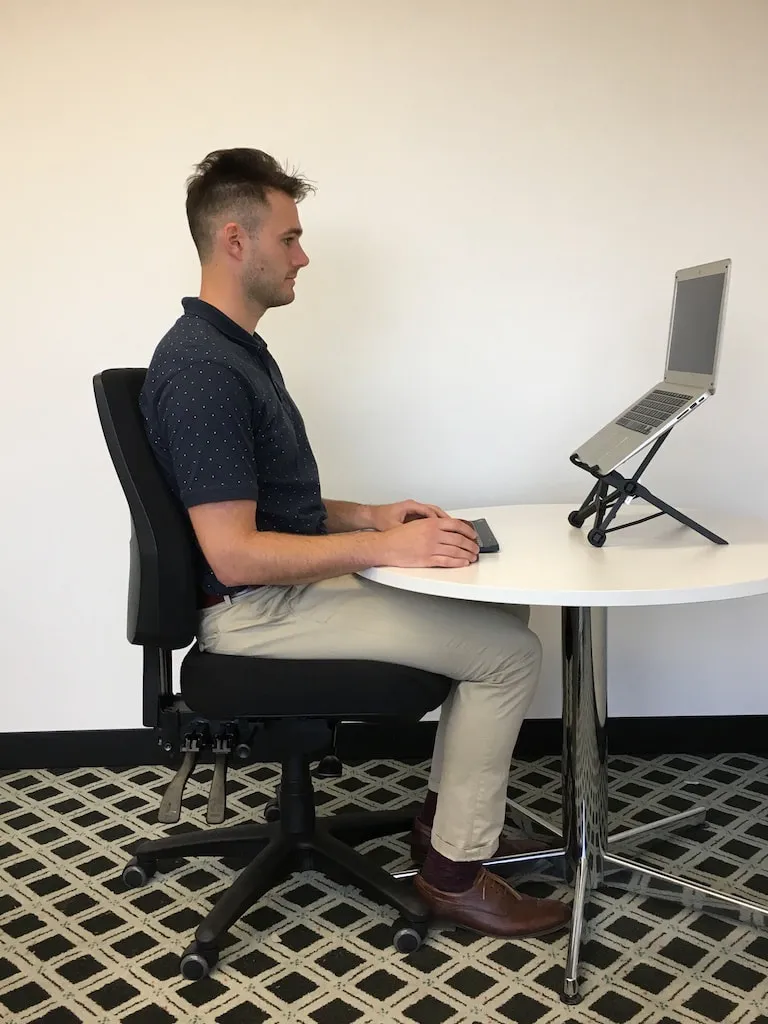
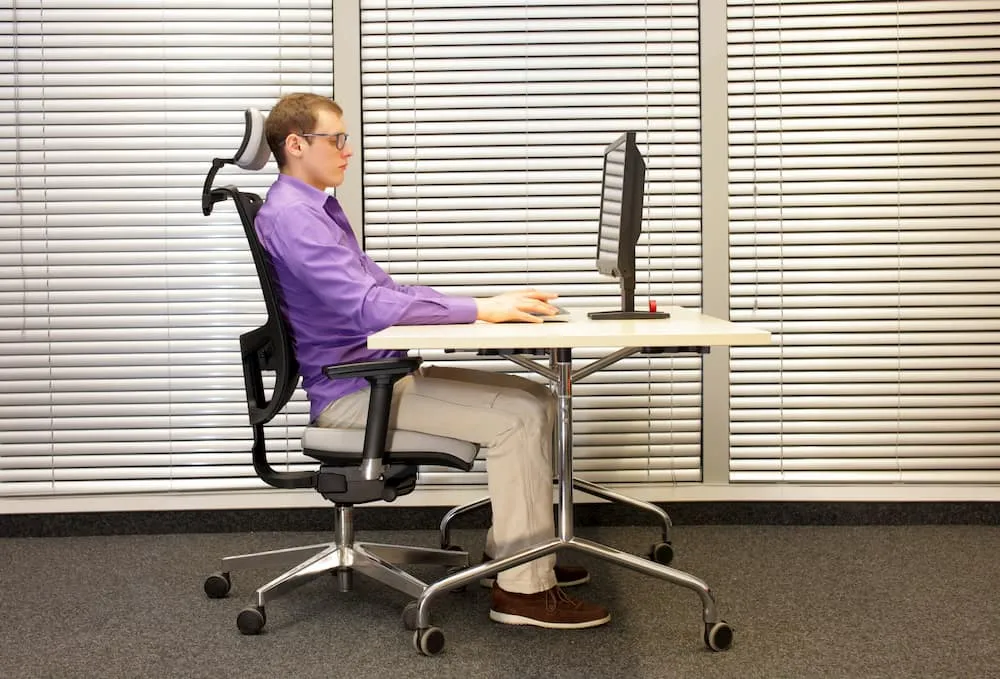
Steady head position
Keep the head balanced over the shoulders, allow the gaze to meet the upper third of the screen, and refresh the view often with slow lateral glances.
Trozelonuivepia

Bodies respond to repetition. These cards contrast two everyday habits so you can notice tension early and adjust furniture on your own terms.
Keep the head balanced over the shoulders, allow the gaze to meet the upper third of the screen, and refresh the view often with slow lateral glances.
Sustained downward viewing angles can feel tiring over time. If you notice this pattern, nudge the display height or document zoom before continuing.
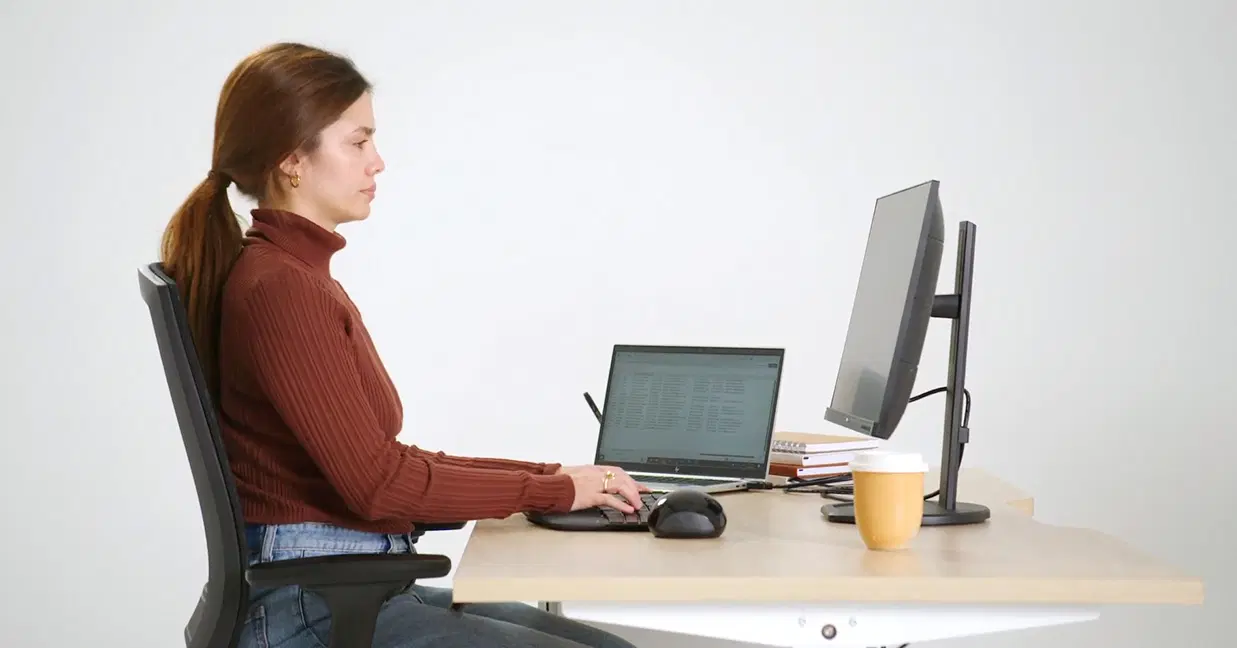
Use the grid below as a checklist rather than a mandate. Tick items slowly across a week so changes feel sustainable.
Reserve front space for input devices, push reference stacks to the side, and keep beverages outside the primary typing arc.
Route cords with gentle bends, label adapters, and leave slack so the desk can shift without tugging on ports.
Optional timers or calm playlists can mark rotation between seated and standing presets if your desk supports them.
Placing a small analog object or printed grid beyond the bezel invites occasional distance focusing. Some classroom-style workstation guides mention similar voluntary breaks when reading screens for long stretches.
Use it only as an optional pacing idea and rely on your own judgment about when to pause or change tasks.
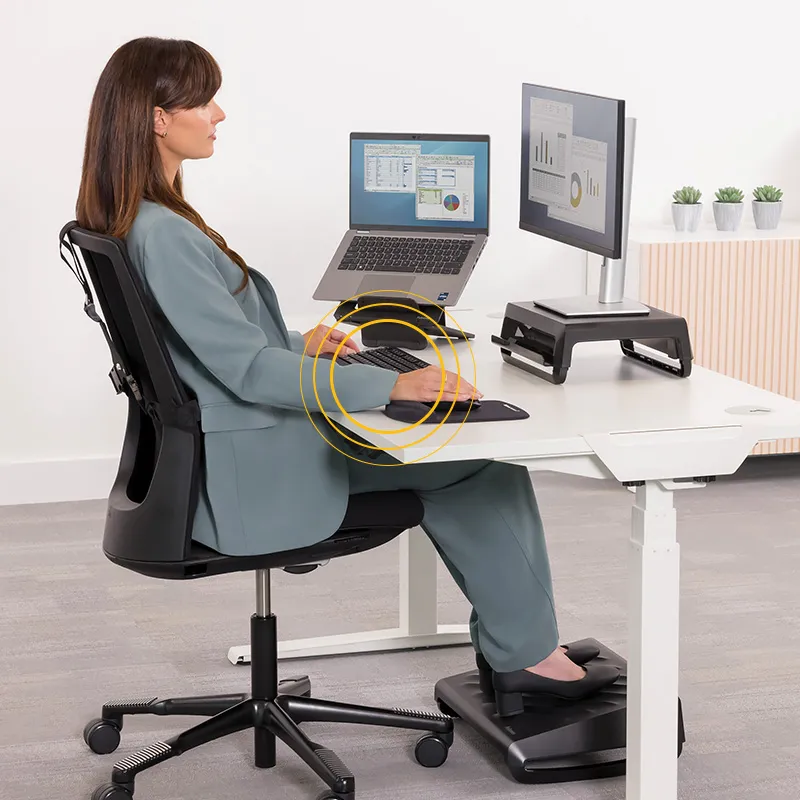
Document what you try, note how your body feels after a week, and iterate. Our contact desk welcomes factual questions about the guides.
9717 Landmark Pkwy Dr Ste 115, St. Louis, MO 63127, United States
Phone
+1 314 722 6555
Email info@trozelonuivepia.world
Year reference . Domain trozelonuivepia.world
Reach the editorial desk